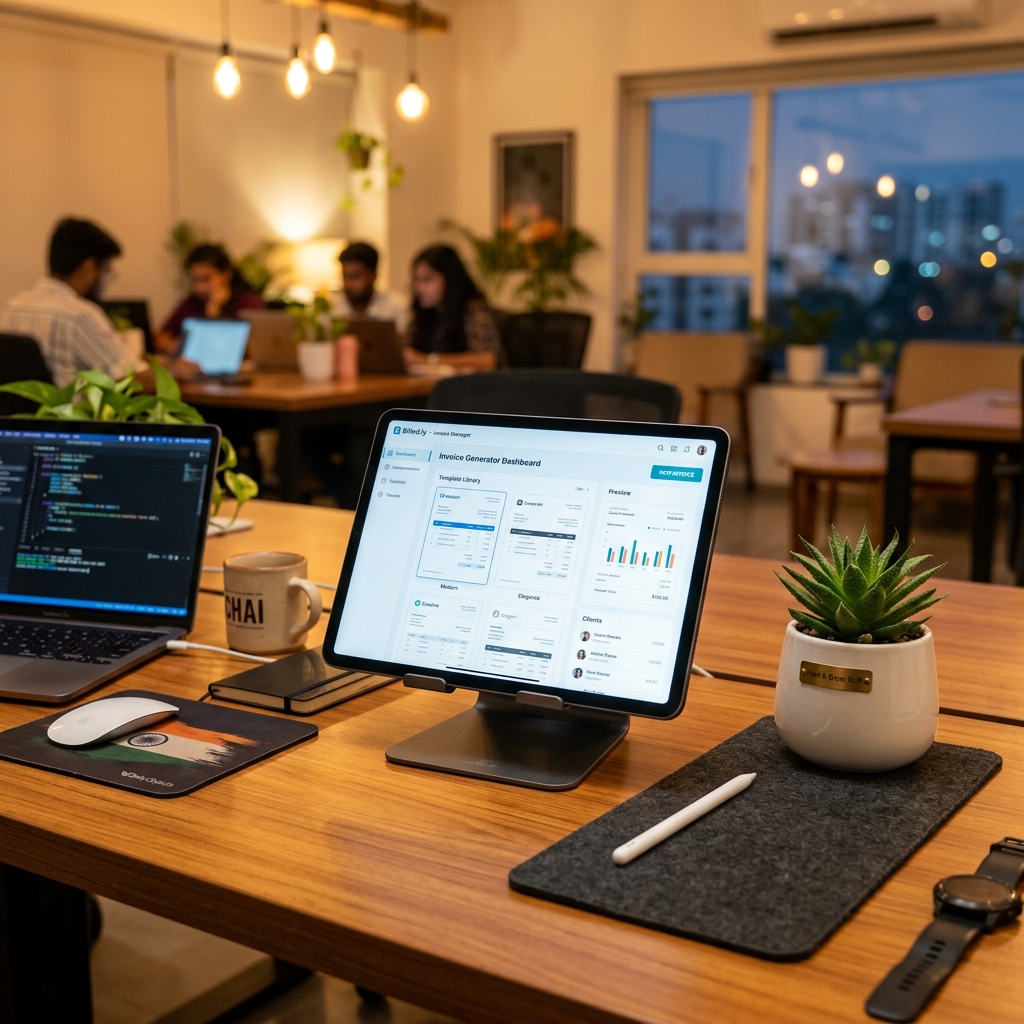
The best free bill generator in India in 2026 is the one that supports your bill type, splits GST (CGST + SGST) automatically, and exports a clean, watermark-free PDF with no sign-up. For most small businesses and freelancers that means a browser-based tool like BillGenerator.io, Vyapar, Zoho Invoice or Refrens. This roundup compares them honestly on features, bill types, GST support and ease of use — so you can pick the right one in minutes.
Quick answer: how to choose a free bill generator
- Bill-type coverage — does it have a template for your exact bill (restaurant, petrol, medical, rent, freelancer invoice)?
- GST handling — automatic CGST + SGST / IGST split, GSTIN field, sequential invoice number.
- PDF export — print-ready, watermark-free, downloadable without an account.
- Ease of use — no install, no learning curve, usable on a phone.
- Truly free — no bill cap, no forced sign-up, no "free trial" that expires.
- Privacy — does the data stay in your browser or get stored on a server?
What separates a good generator from a "free" trap
Most tools that rank for "free bill generator" are free in the loosest sense. Watch for these traps before you rely on any tool for a customer-facing bill:
| Feature | Why it matters |
|---|---|
| Watermark-free PDF | A watermarked bill looks unprofessional and may be rejected by reimbursement or accounts teams |
| No forced sign-up | Account walls slow you down and harvest your email; a single bill should not need registration |
| No bill cap | "3 free invoices then pay" tools fail you exactly when you are busiest |
| Automatic GST split | Manual CGST/SGST maths is the #1 source of errors on Indian bills |
| Bill-type templates | A restaurant bill and a rent receipt need different fields; a generic blank form makes you do the layout work |
| Correct invoice numbering | A unique, sequential number is mandatory for GSTR-1 — see our GST bill checklist |
| Data privacy | Client-side tools keep your business data in your browser, not on someone's server |
2026 roundup: free bill generators compared
Here is an honest, feature-level comparison of the popular free options Indian users reach for. Each has a different sweet spot — there is no single winner for every use case.
| Tool | Bill types | GST auto-split | PDF (no watermark) | Sign-up needed | Best for |
|---|---|---|---|---|---|
| BillGenerator.io | 12+ (restaurant, fuel, medical, rent, gym, freelancer, retail…) | Yes | Yes | No None | Specific, ready-to-use bill & receipt templates, fast |
| Vyapar | Invoice + accounting | Yes | Partial Free tier limits | Partial App/account | SMBs wanting full billing + inventory software |
| Zoho Invoice | Invoice / estimate | Yes | Yes | Yes Zoho account | Freelancers already in the Zoho ecosystem |
| Refrens | Invoice / quotation | Yes | Partial Free-plan caps | Yes Account | Service businesses, recurring invoicing |
| billgenerator.in / billsgenerator.in | Many bill types | Partial Varies | Partial Varies | Partial Varies | Quick one-off generic bills |
| MS Word / Excel template | Whatever you build | No Manual | Yes (export) | No | One-off bills if you already have a template |
How to read this table. A Yes means the feature works out of the box on the free tier. A Partial means it depends on the plan, has caps, or needs an account. Always test the download step before you trust a tool for real bills — that is where most "free" generators reveal a paywall.
Where BillGenerator.io fits — honestly
BillGenerator.io is not accounting software and does not try to be. If you need inventory, GST return filing, payment reconciliation and a customer ledger, a full suite like Vyapar or Zoho Books is the better long-term home. What BillGenerator.io does better than those tools is the single, specific bill, right now: pick a bill or receipt template, fill it in, and download a clean PDF in about two minutes — no account, no watermark, no upsell. For a restaurant owner printing a GST food bill, an employee preparing a petrol reimbursement bill, or a freelancer issuing an invoice, that focus is the point.
Mandatory fields a compliant bill must carry
Whichever tool you choose, the bill it produces is only valid if it carries the right fields. For a GST tax invoice, these are non-negotiable:
| Field | Example | Why it matters |
|---|---|---|
| Business name & address | Iyer Electronics, 14 Linking Road, Mumbai, Maharashtra 400050 | Identifies the supplier; sets place of supply |
| GSTIN (15 digits) | 27AAJCM4521P1Z3 | Mandatory for registered businesses; lets the buyer claim input tax credit |
| Invoice number | INV-2026-00318 | Must be unique and sequential for GSTR-1 |
| Invoice date | 01 Jun 2026 | Fixes the tax period |
| Customer details | Name, address, GSTIN (if B2B) | Required for B2B invoices and ITC |
| Item description, qty, rate | LED Monitor 24" × 2 @ ₹8,500 | Transparency and the basis for tax |
| Taxable value | ₹17,500.00 | The amount GST is calculated on |
| CGST + SGST (or IGST) | 9% + 9% (or 18% IGST) | The legally required tax split |
| Grand total | ₹20,650.00 | The amount actually payable |
| Payment mode | UPI / Card / Bank transfer | Record-keeping and reconciliation |
If you are below the registration threshold, you issue a bill of supply (no GST) instead of a tax invoice — our guide on billing for an unregistered business covers exactly how.
Sample bill generated in 2 minutes (filled example)
This is the kind of output a good generator produces — a complete, print-ready tax invoice with the GST split done for you.
Iyer Electronics 14 Linking Road, Mumbai, Maharashtra 400050 · GSTIN: 27AAJCM4521P1Z3 Invoice: INV-2026-00318 · Date: 01 Jun 2026 · Customer: Suresh Iyer
| Item | Qty | Rate (₹) | Amount (₹) |
|---|---|---|---|
| LED Monitor 24" | 2 | 8,500.00 | 17,000.00 |
| HDMI Cable 2m | 2 | 250.00 | 500.00 |
| Taxable value | 17,500.00 | ||
| CGST @ 9% | 1,575.00 | ||
| SGST @ 9% | 1,575.00 | ||
| Grand Total | 20,650.00 |
Payment: Bank transfer · Authorised signatory: Iyer Electronics
Note how the CGST and SGST each take half of the 18% rate because the supplier and customer are in the same state (Maharashtra). For an inter-state sale, the same 18% would appear as a single IGST line instead. Getting that split right is exactly what a generator removes the guesswork from — see how to calculate GST on a bill for the worked maths.
Legal & compliance: what "GST-compliant" actually means (FY 2025–26)
A generator gives you the layout; the law still applies to the contents. The essentials for FY 2025–26:
- GST registration threshold. Registration is generally mandatory once turnover crosses ₹40 lakh for goods (₹20 lakh in special-category states) and ₹20 lakh for services (₹10 lakh in special-category states). Below this you can trade and bill without a GSTIN. Confirm your category on the CBIC GST portal(opens in new tab).
- Standard GST slabs are 0%, 5%, 12%, 18% and 28%, set by the GST Council. Most goods and services fall in 5% / 12% / 18%. Always apply your product's notified rate — see the GST Council(opens in new tab) notifications.
- Intra-state vs inter-state. Same-state supply = CGST + SGST (each half the rate). Different-state supply = IGST (the full rate as one line).
- GSTIN format is 15 characters —
27AAJCM4521P1Z3— where the first two digits are the state code (27 = Maharashtra). A generator should validate the length but cannot verify the number is real, so enter it carefully. - Petrol and diesel are outside GST. Fuel is taxed under VAT and central excise, not GST, so a genuine fuel bill shows no CGST/SGST line. This trips up many templates — our self-generated fuel bill guide explains what is legitimate.
- Income-tax record-keeping. Bills you issue and receive are primary evidence for your books and your return. Keep them organised through the year — the income tax department(opens in new tab) expects supporting documents for claimed expenses and income.
Legitimate record-keeping vs. fraud. Generating a genuine bill for a real transaction is normal, legal business practice. Fabricating a bill for a transaction that never happened — a fake pump receipt, an inflated medical bill, a phantom rent receipt — is fraud and can attract penalties under GST and income-tax law. Use any generator for real sales and expenses only.
How to create a compliant bill in 2 minutes
You do not need to install or buy anything. Using the bill & receipt templates on BillGenerator.io:
- Pick the template that matches your bill — restaurant, fuel, medical, rent, retail, freelancer invoice and more, each pre-laid-out with the right fields.
- Enter your business details — name, address, and GSTIN (saved for next time).
- Add your line items with quantity and rate; the tool computes CGST + SGST (or IGST) automatically.
- Set the invoice number, date and payment mode for a complete, traceable record.
- Download a clean PDF — watermark-free, ready to print or send on WhatsApp or email.
Online generator vs Word vs Excel/manual
| Criterion | Online generator | MS Word | Excel / manual |
|---|---|---|---|
| Ready template for your bill type (restaurant, fuel, gym…) | Yes Pick and go | Partial Build the layout yourself | Partial Build the layout yourself |
| CGST/SGST/IGST split done for you | Yes Automatic | No Type it by hand | Partial Only if you wrote the formula |
| Unique sequential invoice numbering | Yes Tracked | No Easy to repeat or skip | Partial Manual, error-prone |
| Watermark-free, print-ready PDF | Yes One click | Partial Export, then fix spacing | No Pasting into a grid looks rough |
| Re-using saved business + GSTIN details | Yes Remembered | No Re-enter every time | No Re-enter every time |
| Editing safely on a phone | Yes Works in-browser | Partial Clunky on mobile | No Cells shift on small screens |
| Minutes to a finished bill | ~2 min | 10–15 min | 5–10 min |
For a deeper side-by-side, see bill format in Word vs. online generator and how to create a professional bill without software.
Common mistakes to avoid
- Trusting "free" before testing the download — many tools paywall or watermark only at the PDF step. Verify it produces a clean file first.
- Using a generic blank form for a specialised bill — a restaurant bill, rent receipt and fuel bill each need different fields. Pick the matching template.
- Entering the wrong GST split — applying CGST + SGST on an inter-state sale (or IGST on an intra-state one) makes the bill non-compliant.
- Adding a GST line to a petrol or diesel bill — fuel is outside GST; a CGST/SGST line on a real fuel bill is a red flag.
- Repeating or skipping invoice numbers — this breaks your GSTR-1 trail and your audit record.
- Reaching for heavy accounting software for one bill — if you issue a handful of bills a month, a generator is faster and free; reserve full suites for inventory and return filing.
Sources & references
- CBIC GST Portal(opens in new tab) — GST registration thresholds, tax invoice rules and rate notifications
- GST Council(opens in new tab) — official GST slabs and rate-change decisions
- Income Tax Department(opens in new tab) — record-keeping and supporting-document requirements
Need a compliant bill right now? Browse the free bill & receipt templates → — pick your type, fill it in, and download a clean PDF in two minutes. No sign-up, no watermark.