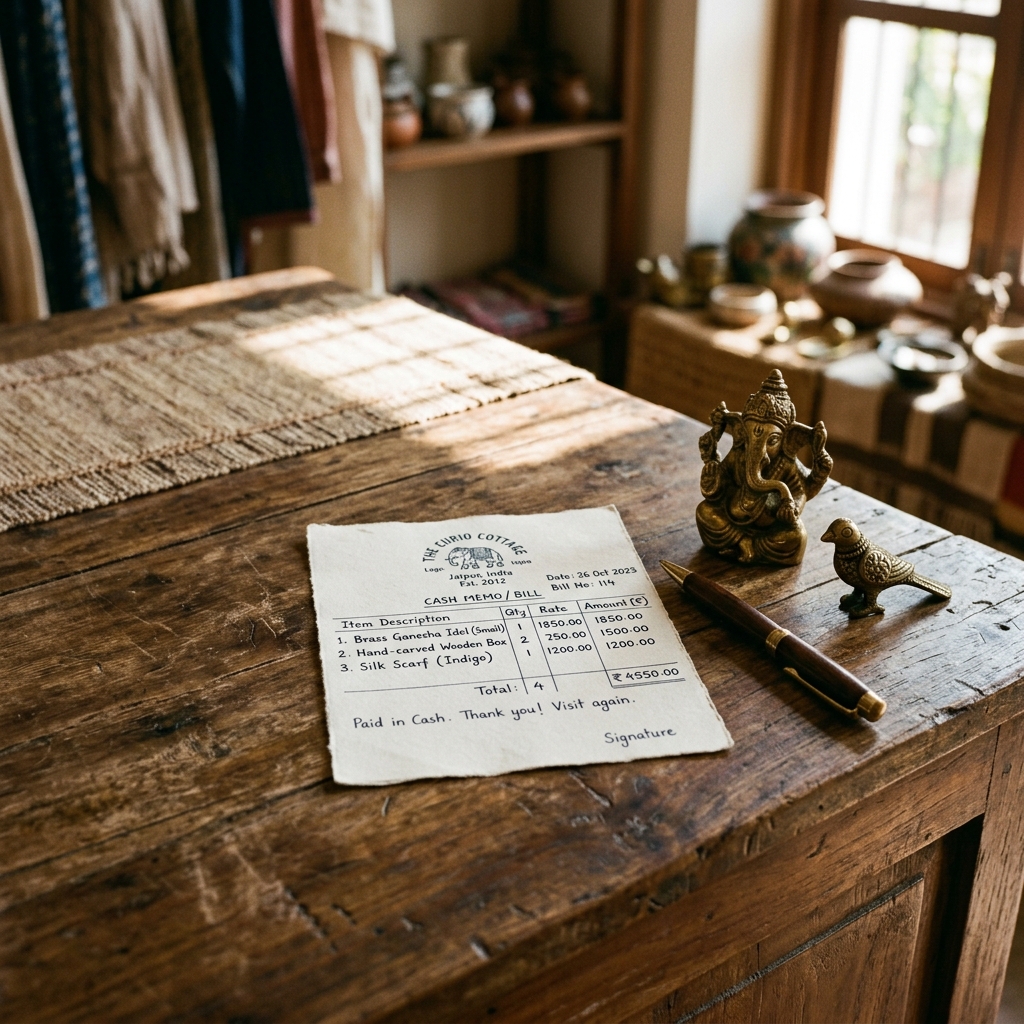
You do not need to buy accounting software to issue a professional bill. A free online bill generator lets you enter your business details, add line items, apply the correct CGST + SGST split, and download a clean PDF in about two minutes. Word and Excel templates also work for occasional bills. Paid software only pays off once your invoice volume and compliance needs grow.
Quick answer: how to bill professionally for free
- Use a free online generator or a Word/Excel template — validity comes from the content, not the price of the tool.
- Include your business name, address, GSTIN (if registered), a unique invoice number, date, itemised amounts, and the GST split.
- Download a professional PDF; share it on WhatsApp or email.
- Free is enough for low volume; upgrade to paid software for high volume, GSTR filing, and stock tracking.
What every professional bill must include
A "professional" bill is simply a complete one. Miss a field and it looks amateur — or fails an audit. Here is the checklist, with why each field earns its place.
| Field | Example | Why it matters |
|---|---|---|
| Business name & logo | Jain Stationery Mart | Brand identity; required on a tax invoice |
| Address | 14 Sarafa Bazaar, Indore, Madhya Pradesh 452002 | Establishes place of supply for GST |
| GSTIN | 23AAKCI5678W1Z8 | Mandatory for registered businesses; lets the buyer claim input tax credit |
| Invoice number | INV-2026-00188 | Must be unique and sequential for your records and GSTR-1 |
| Date | 01 Jun 2026 | Fixes the tax period |
| Customer details | Pooja Jain, Bhopal | Identifies the recipient; needed for B2B credit |
| Item, qty, rate | A4 Paper Ream × 10 @ ₹260 | Transparency; the base for tax calculation |
| Taxable value | ₹2,600.00 | The amount tax is charged on |
| CGST & SGST | 9% + 9% | The legally required split for intra-state supply |
| Grand total | ₹3,068.00 | The amount actually payable |
| Payment mode | UPI / Bank transfer / Cash | Reconciliation and record-keeping |
If your business is not GST-registered, you skip the GSTIN and tax lines and issue a bill of supply instead — still perfectly professional.
Sample bill (filled example)
Here is a complete bill built without any paid software — exactly what a free generator produces.
Jain Stationery Mart 14 Sarafa Bazaar, Indore, Madhya Pradesh 452002 · GSTIN: 23AAKCI5678W1Z8 Invoice: INV-2026-00188 · Date: 01 Jun 2026 Bill to: Pooja Jain, MP Nagar, Bhopal · GSTIN: 23AADCP6391K1Z2
| Item | Qty | Rate (₹) | Amount (₹) |
|---|---|---|---|
| A4 Copier Paper (75 GSM) | 10 | 260.00 | 2,600.00 |
| Ballpoint Pens (box of 10) | 5 | 90.00 | 450.00 |
| File Folders | 20 | 25.00 | 500.00 |
| Taxable value | 3,550.00 | ||
| CGST @ 9% | 319.50 | ||
| SGST @ 9% | 319.50 | ||
| Grand Total | 4,189.00 |
Payment: Bank transfer (NEFT) · Authorised signatory: P. Jain
Notice there is nothing here that requires a ₹5,000-a-year software licence. Every line is standard data you already have.
Is a free-tool bill legally valid? (the compliance bit)
The most common worry is whether a bill made without paid software "counts." It does. Validity depends on the content, not the tool. Under India's GST framework, a tax invoice must carry the supplier and recipient details, GSTIN, a consecutive invoice number, date, description, quantity, taxable value, and the tax charged — see the CBIC GST portal(opens in new tab) for the tax-invoice rules.
A few accurate figures to keep in mind for FY 2025–26:
- GST registration threshold: ₹40 lakh annual turnover for goods (₹20 lakh in special-category states) and ₹20 lakh for services (₹10 lakh in special-category states). Below this you can run an unregistered business and issue a bill of supply. Confirm current limits on the GST Council(opens in new tab) site.
- Common GST slabs: 0%, 5%, 12%, 18% and 28%. Intra-state sales split the rate into CGST + SGST (e.g. 18% = 9% + 9%); inter-state sales use IGST. Rates are notified by CBIC(opens in new tab).
- Invoice numbering: must be a consecutive serial number, unique for the financial year — a rule you can satisfy in any tool as long as you stay disciplined.
- Revenue stamp: a ₹1 revenue stamp is needed on a cash receipt above ₹5,000, a point that matters more for rent receipts than for sales invoices.
Honesty matters. Creating your own professional bill for real sales or genuine reimbursement is completely legitimate. Fabricating a bill for a transaction that never happened — or inventing a fuel receipt you never paid — is fraud, regardless of how the document was made. For the fuel-specific nuance, see what's legal with self-generated fuel bills.
If you are unsure which fields apply to you, the complete GST bill checklist walks through every mandatory field.
Create a professional bill in 2 minutes
You can skip software entirely with a template-based tool. Using BillGenerator.io's bill and receipt templates:
- Pick a template that matches what you sell — invoice, retail bill, service bill, or receipt.
- Enter your business details — name, address, logo, and GSTIN (saved for next time).
- Add line items with quantity and rate; the tool computes the CGST + SGST automatically.
- Choose the GST slab (5/12/18/28%) and add the customer's details for a B2B bill.
- Download a clean PDF, ready to print, email, or send on WhatsApp.
No installation, no subscription, no spreadsheet formulas. For a deeper look at why a generator beats a hand-built document, see bill format in Word vs. online generator.
Online generator vs Word vs Excel/manual
| What makes a bill look professional | Online generator | MS Word | Excel / manual |
|---|---|---|---|
| Clean, print-ready itemised layout | Yes Out of the box | Partial Build it yourself | No Spreadsheet grid leaks through |
| Auto CGST + SGST split per line | Yes Computed | No Type each amount | Partial Wire up formulas |
| Invoice numbers stay sequential | Yes Tracked for you | No Easy to repeat | Partial Manual counter |
| Logo, header, and signatory block | Yes Drop-in fields | Partial Fiddly alignment | No Painful to format |
| Saved business + buyer details | Yes Reused next time | No Re-type each bill | Partial Copy-paste rows |
| Crisp PDF export for WhatsApp/email | Yes One click | Partial Layout can shift | No Often a screenshot |
| Stays GST-ready as slabs change | Yes Pick the slab | Partial Edit by hand | Partial Re-check formulas |
All three cost nothing, but the generator wins on speed, accuracy, and how the final bill looks — the things that make a bill "professional."
When free is enough vs when to upgrade
Free tools cover the vast majority of small businesses and freelancers. Consider paid billing software only when you genuinely outgrow them:
| You probably need paid software if you… | Free tools are enough if you… |
|---|---|
| Issue 30–50+ invoices a month | Issue a handful of bills a week |
| Need GSTR-1 / GSTR-3B auto-filing | File GST manually or aren't registered |
| Track stock, ledgers, and payments | Only need a clean PDF bill |
| Have multiple staff issuing bills | Bill solo or as a small team |
| Run recurring/subscription invoices | Issue one-off bills |
If you bill several clients, the workflow in managing invoices for multiple clients shows how far a free setup can stretch before you need to upgrade.
Common mistakes to avoid
- Re-typing your business details every time instead of using a template that saves them — slow and typo-prone.
- Skipping or repeating invoice numbers, which breaks your audit trail and GSTR-1 reconciliation.
- Applying the wrong GST slab or forgetting the CGST/SGST split on intra-state sales.
- Sending a messy Word screenshot or photo instead of a clean PDF — it reads as unprofessional.
- Leaving off the customer's GSTIN on a B2B bill, blocking their input tax credit claim.
- Believing you need paid software to be "legal" — you don't; the content is what makes a bill valid.
Sources & references
- CBIC GST Portal(opens in new tab) — tax invoice rules and GST rates
- GST Council(opens in new tab) — registration thresholds and rate notifications
- Income Tax Department(opens in new tab) — record-keeping and reimbursement documentation
- India Code(opens in new tab) — text of the CGST Act and allied legislation
Ready to bill like a pro without spending a rupee on software? Browse the free bill & receipt templates → — no sign-up, instant PDF.