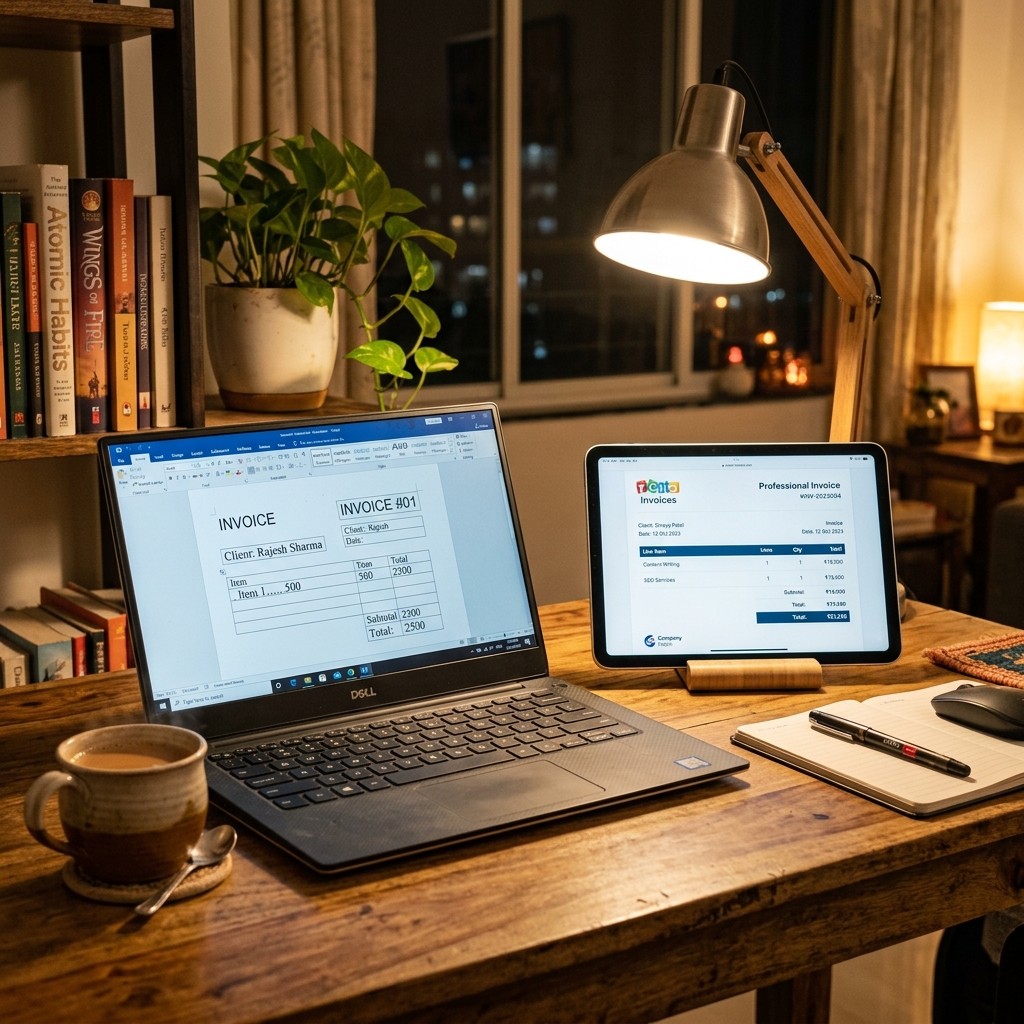
For a one-off bill, a Word or Excel template works — it is free and familiar. But for any volume, an online bill generator wins on the things that matter: it calculates GST automatically, auto-numbers invoices, removes typing errors, and produces a clean PDF in about two minutes instead of ten. This guide compares both honestly so you can pick the right one for how you actually bill.
Quick answer: Word vs online generator
- Word / Excel — free, fully offline, total layout control; but manual GST, no auto-numbering, slow (10–15 min), higher error risk.
- Online generator — automatic CGST + SGST, sequential invoice numbers, ~2 minutes per bill, professional PDF, also free.
- Validity is identical. A bill is legal if the mandatory fields are correct — the software does not change that.
- Pick Word for a single bill or heavy custom design; pick a generator for repeat billing, GST accuracy and speed.
Mandatory fields (and why each one matters)
Whichever tool you use, a compliant Indian bill needs the same core fields. Miss one and the bill may be rejected for reimbursement or for input tax credit.
| Field | Example | Why it matters |
|---|---|---|
| Seller name & address | Patel Office Supplies, 14 CG Road, Ahmedabad, Gujarat 380009 | Identifies the supplier; establishes place of supply |
| GSTIN (if registered) | 24AAACA7788N1Z4 | Legally mandatory for registered sellers; lets the buyer claim ITC |
| Invoice number | INV-2026-00318 | Must be unique and sequential for GSTR-1 |
| Date of issue | 01 Jun 2026 | Fixes the tax period the bill belongs to |
| Buyer details | Mehul Patel, GSTIN 24AAACV1234C1Z9 | Required for B2B invoices and ITC claims |
| Item, qty, rate | Office chair × 4 @ ₹2,500 | Transparency and basis for tax calculation |
| Taxable value | ₹11,000 | The amount GST is charged on |
| CGST + SGST (or IGST) | 9% + 9% | The legally required tax split |
| Grand total | ₹12,980 | The amount actually payable |
| Payment mode | UPI / Card / Bank transfer | Record-keeping and reconciliation |
This is the same checklist covered in depth in our GST bill mandatory fields guide, and it applies to a Word template and an online generator alike.
Sample bill (filled example)
Here is what a complete intra-state GST bill looks like — identical content whether you typed it in Word or generated it online.
Patel Office Supplies 14 CG Road, Ahmedabad, Gujarat 380009 · GSTIN: 24AAACA7788N1Z4 Invoice: INV-2026-00318 · Date: 01 Jun 2026 Bill to: Mehul Patel, GSTIN 24AAACV1234C1Z9
| Item | Qty | Rate (₹) | Amount (₹) |
|---|---|---|---|
| Ergonomic office chair | 4 | 2,500.00 | 10,000.00 |
| Desk organiser | 5 | 200.00 | 1,000.00 |
| Taxable value | 11,000.00 | ||
| CGST @ 9% | 990.00 | ||
| SGST @ 9% | 990.00 | ||
| Grand Total | 12,980.00 |
Payment: Bank transfer · Goods once sold are not returnable except as per policy.
In Word, every figure in that table — including the ₹990 CGST and the ₹12,980 total — is typed by hand. A single mistyped rate quietly throws off the tax and the total. An online generator computes all of it from the quantity and rate, so the maths is always internally consistent.
Is a Word bill legally valid? The compliance facts
A frequent worry is that a Word or Excel bill is somehow "less official." It is not. Under the GST law, validity depends on content, not software. A tax invoice must carry the particulars prescribed in the CGST Rules — supplier and recipient details, GSTIN, a consecutive invoice number, date, description, value and tax — and any document carrying them is valid, per the CBIC GST portal(opens in new tab).
A few specifics that matter for FY 2025–26, whichever tool you choose:
- Invoice numbering must be consecutive and unique for a financial year (CGST Rules). Word gives you no counter, so duplicates and gaps are common; that is a record-keeping failure, not a formatting one.
- GST rate slabs are 0%, 5%, 12%, 18% and 28% as notified by the GST Council(opens in new tab). You must apply the correct slab for your goods or services — see how to calculate GST on an invoice for a worked example. A generator applies the slab you select; in Word you must know and type it.
- Intra-state vs inter-state: charge CGST + SGST when the buyer is in your state and IGST when they are in another. Getting this wrong is one of the most common manual errors.
- Not GST-registered? You may issue a plain bill of supply without any GSTIN or tax lines — see billing for an unregistered business. Both Word and a generator handle this.
Honesty note: A bill records a genuine sale. Neither Word nor an online tool makes a fabricated bill legitimate. Back-dating, inventing transactions or faking a GSTIN to claim credit is fraud under the GST Act, regardless of how neat the PDF looks. Income-tax rules on documentation are at incometax.gov.in(opens in new tab) and the statutes at indiacode.nic.in(opens in new tab).
Create a compliant bill in 2 minutes
You do not need to wrestle with table borders in Word. Using the free bill & receipt templates:
- Pick a template that matches your bill type — the GST fields are already laid out.
- Enter your business details once — name, address and GSTIN are saved for next time.
- Add line items with quantity and rate; the tool computes CGST + SGST (or IGST) automatically.
- Let it auto-number the invoice so your sequence never repeats or skips.
- Download a clean PDF, ready to print or send on WhatsApp or email.
The result is the same compliant document you would build in Word — produced in a fraction of the time and with the maths done for you.
Online generator vs Word vs Excel: full comparison
| What you actually do per bill | Online generator | MS Word | Excel / manual |
|---|---|---|---|
| Splits CGST + SGST (or IGST) for you | Yes Picks the slab, does the maths | No You type each rupee figure | Partial Only if your formula is right |
| Adds up line items into the taxable value | Yes Recalculates as you edit | No Re-typed every change | Partial Breaks if a cell is overwritten |
| Hands you the next invoice number | Yes Auto-increments, no repeats | No You remember the last one | Partial Manual, easy to skip |
| Re-uses your saved name, address, GSTIN | Yes Loaded once, filled forever | No Copy-paste each time | No Copy-paste each time |
| Spits out a print-ready, locked PDF | Yes One click, no reflow | Partial Export and hope it lines up | No Gridlines and clipped cells |
| Minutes to finish one clean bill | Yes Roughly 2 | No 10–15 | Partial 5–10 |
| Wins when you have no internet | Partial Needs a connection | Yes Fully offline | Yes Fully offline |
| Wins on pixel-level layout control | Partial Bound to the template | Yes Move anything anywhere | Partial Awkward to style |
The pattern is clear: Word and Excel win only on offline use and absolute layout control. For accuracy, speed and clean output — the things that decide whether a bill is accepted and your books stay clean — the online generator wins on every row. For a deeper round-up, see the best free bill generator tools in India.
Common mistakes to avoid
- Reusing one Word file and overwriting it — you lose past bills and the invoice sequence. Save each bill separately or use a generator that auto-numbers.
- Mistyping the GST figure in Word so the tax and total no longer agree with the line items.
- Charging CGST + SGST on an inter-state sale (or IGST on a local one) — a manual error a generator avoids by asking for the place of supply.
- Skipping or duplicating invoice numbers, which breaks your GSTR-1 filing trail.
- Sending an editable .docx to the customer — always export to PDF so the figures cannot be altered after issue.
- Forgetting the buyer's GSTIN on a B2B bill, which blocks the buyer's input tax credit.
Sources & references
- CBIC GST Portal(opens in new tab) — tax invoice rules and mandatory particulars
- GST Council(opens in new tab) — GST rate slabs and notifications
- Income Tax Department(opens in new tab) — record-keeping and documentation
- India Code(opens in new tab) — full text of the CGST Act and rules
Skip the manual maths and the table borders. Browse the free bill & receipt templates → — auto GST, sequential numbering, instant PDF, no sign-up.