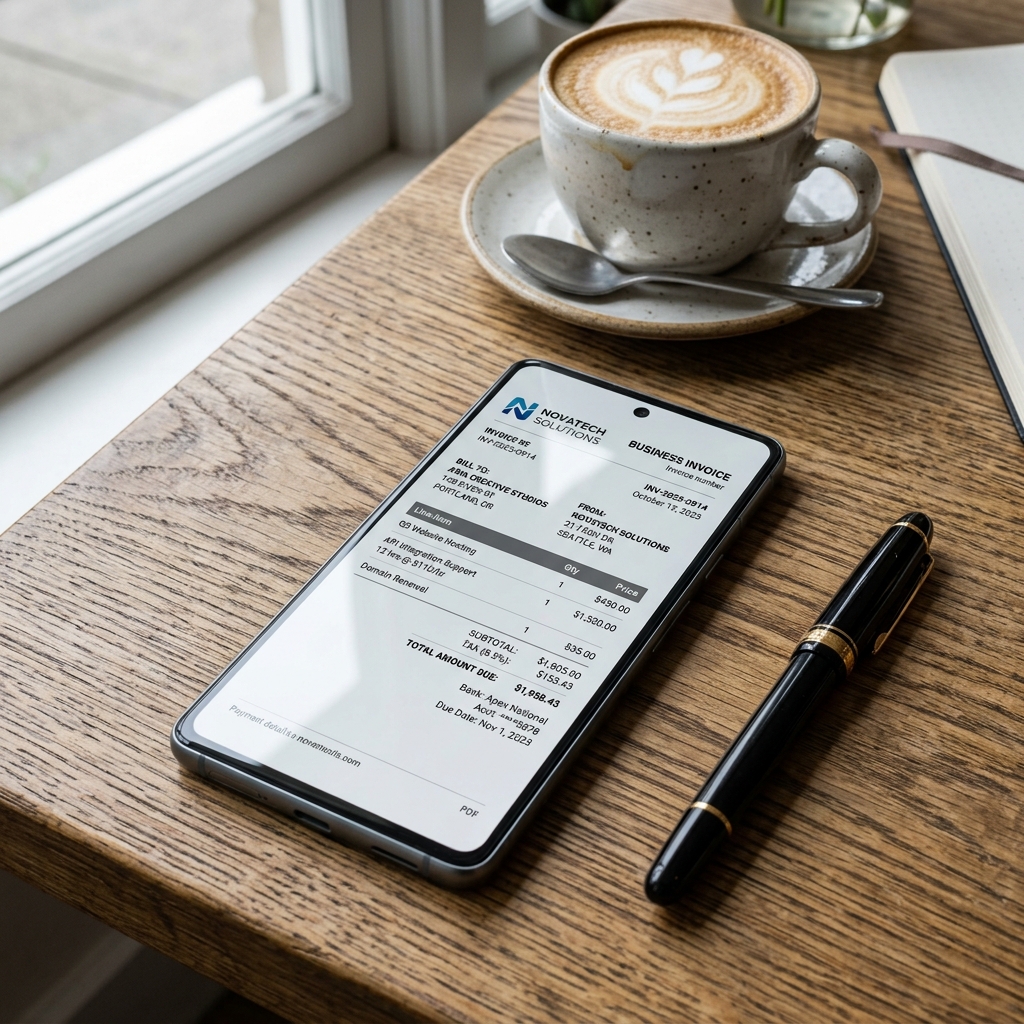
The fastest way to make a bill in PDF is to use a free online bill generator: pick a template, enter your business details and items, and download a ready-to-print PDF in under two minutes. It works on your phone, auto-calculates GST and totals, and needs no software. This guide shows the exact fields, a filled Indian sample, and the steps to do it.
Quick answer: how to make a bill in PDF
- Open a free bill & receipt templates page in any browser (phone or laptop)
- Pick the template that matches your trade (shop, service, freelance, fuel, etc.)
- Enter business name, address, and GSTIN (if registered)
- Add a unique invoice number and date
- List each item with quantity and rate; the tool totals it and adds GST
- Click Download PDF — share it on WhatsApp, email, or print it
Mandatory fields (and why each one matters)
| Field | Example | Why it matters |
|---|---|---|
| Business name & logo | Lakshmi Narayan Electricals | Identifies the issuer; required on any tax invoice |
| Address | 14 Anna Salai, Chennai, Tamil Nadu 600002 | Establishes place of supply for GST |
| GSTIN | 33AABCT5567M1Z9 | Mandatory for registered sellers; lets the buyer claim input tax credit |
| Invoice number | INV-2026-0188 | Must be unique and sequential for your GSTR-1 trail |
| Date | 01 Jun 2026 | Fixes the tax period and proves when the sale happened |
| Buyer details | Karthik Raman, GSTIN if B2B | Needed for B2B invoices and reimbursement claims |
| Item, qty, rate | Wiring (5 m) × 1 @ ₹1,200 | Transparency and the basis for tax calculation |
| CGST & SGST (or IGST) | 9% + 9% | The legally required tax split shown separately |
| Grand total | ₹1,416.00 | The amount actually payable |
| Payment mode | UPI / Card / Cash | Record-keeping and reconciliation |
Sample PDF bill (filled example)
Lakshmi Narayan Electricals 14 Anna Salai, Chennai, Tamil Nadu 600002 · GSTIN: 33AABCT5567M1Z9 Invoice: INV-2026-0188 · Date: 01 Jun 2026 Bill to: Karthik Raman, T. Nagar, Chennai
| Item | Qty | Rate (₹) | Amount (₹) |
|---|---|---|---|
| LED Panel Light 18W | 4 | 450.00 | 1,800.00 |
| Copper Wiring (per metre) | 10 | 85.00 | 850.00 |
| Modular Switch Board | 2 | 320.00 | 640.00 |
| Subtotal | 3,290.00 | ||
| CGST @ 9% | 296.10 | ||
| SGST @ 9% | 296.10 | ||
| Grand Total | 3,882.20 |
Payment: UPI · Thank you for your business.
Is a PDF bill legally valid in India?
Yes — a bill's validity comes from what it contains, not its file format. A correctly filled PDF invoice is just as valid as a printed paper one for GST, income-tax records, and employer reimbursement.
A few specifics for FY 2025–26:
- If you are GST-registered, your tax invoice must carry a valid 15-digit GSTIN and the CGST + SGST split (same state) or IGST (inter-state). These rules come from the CBIC GST portal(opens in new tab).
- GST registration is generally required once turnover crosses ₹40 lakh for goods or ₹20 lakh for services (₹20 lakh / ₹10 lakh in special-category states). Below that, you can issue a simple bill of supply without charging GST — see our guide on billing for an unregistered business.
- Invoice numbers must be unique and sequential within a financial year so your GSTR-1 filing reconciles cleanly.
- For income-tax purposes, keep your issued bills as proof of income; see the Income Tax Department(opens in new tab) guidance on books of account.
A note on honesty. A bill generator is for genuine record-keeping — invoicing real sales or supporting a real reimbursement. Fabricating a bill for goods or services that were never supplied, or faking another company's invoice, is fraud and can attract penalties under GST and income-tax law. Keep your records true and a PDF bill is a perfectly legitimate, professional document.
If you charge tax, get the slab right — our GST calculation guide walks through CGST + SGST with a worked example, and rate notifications are published by the GST Council(opens in new tab).
How to make a bill in PDF in 2 minutes
You do not need to buy accounting software for a single bill. Using the free bill & receipt templates:
- Pick a template that matches your business — retail, service, freelance, or a specific trade.
- Enter your business details — name, address, and GSTIN (saved for next time).
- Add your line items with quantity and rate; the tool computes the subtotal, GST, and grand total automatically.
- Add buyer details and payment mode so the bill is complete for reimbursement or B2B records.
- Click Download — you get a clean, print-ready PDF in seconds, straight to your phone or laptop.
Because it runs in the browser, this works the same on Android and iPhone — handy when a customer is standing in front of you and wants the bill on WhatsApp immediately.
Online generator vs Word vs Excel/manual
| Online generator | MS Word | Excel / manual | |
|---|---|---|---|
| One-click PDF export (no Save-As detour) | Yes Instant download | Partial File > Save As PDF | Partial File > Export PDF |
| Locked figures buyers can't edit | Yes Flattened PDF | Partial Only after export | Partial Only after export |
| Auto CGST + SGST split filled in | Yes Done for you | No Type it yourself | Partial Build a formula |
| Consistent layout across every bill | Yes Template-locked | Partial Drifts as you edit | No Cells shift easily |
| Small file size for WhatsApp/email | Yes Optimised output | Partial Bloats with logos | Partial Bloats with logos |
| Make it on a phone, hand to customer | Yes Any mobile browser | No Painful on phone | No Painful on phone |
| Sequential invoice numbering for GSTR-1 | Yes Auto-increments | No You remember it | Partial Manual tracking |
Word and Excel are fine if you already have a polished template and only bill occasionally — see our Word vs online generator comparison for the full trade-off. For speed, fewer maths errors, and a phone-friendly workflow, the online generator wins.
Common mistakes to avoid
- Sending an editable file (Word/Excel) to a client instead of a fixed PDF — figures can be changed after the fact.
- Forgetting the GSTIN or tax split when you are registered — buyers can't claim input tax credit and the invoice is non-compliant.
- Reusing or skipping invoice numbers — this breaks your GSTR-1 and income-tax trail.
- Letting the PDF balloon in size because of a huge logo image — keep it small so it sends easily on WhatsApp and email.
- Leaving out the date or buyer name, which reimbursement and B2B teams routinely require.
- Hand-typing totals in Word/Excel and shipping an arithmetic error — let the generator do the maths.
Sources & references
- CBIC GST Portal(opens in new tab) — tax invoice rules and GSTIN requirements
- Income Tax Department(opens in new tab) — books of account and record-keeping
- GST Council(opens in new tab) — GST rate and rule notifications
- India Code(opens in new tab) — text of the CGST Act and allied laws
Ready to download your bill right now? Make a bill in PDF free → — pick a template, fill it in, and get an instant PDF on any device.