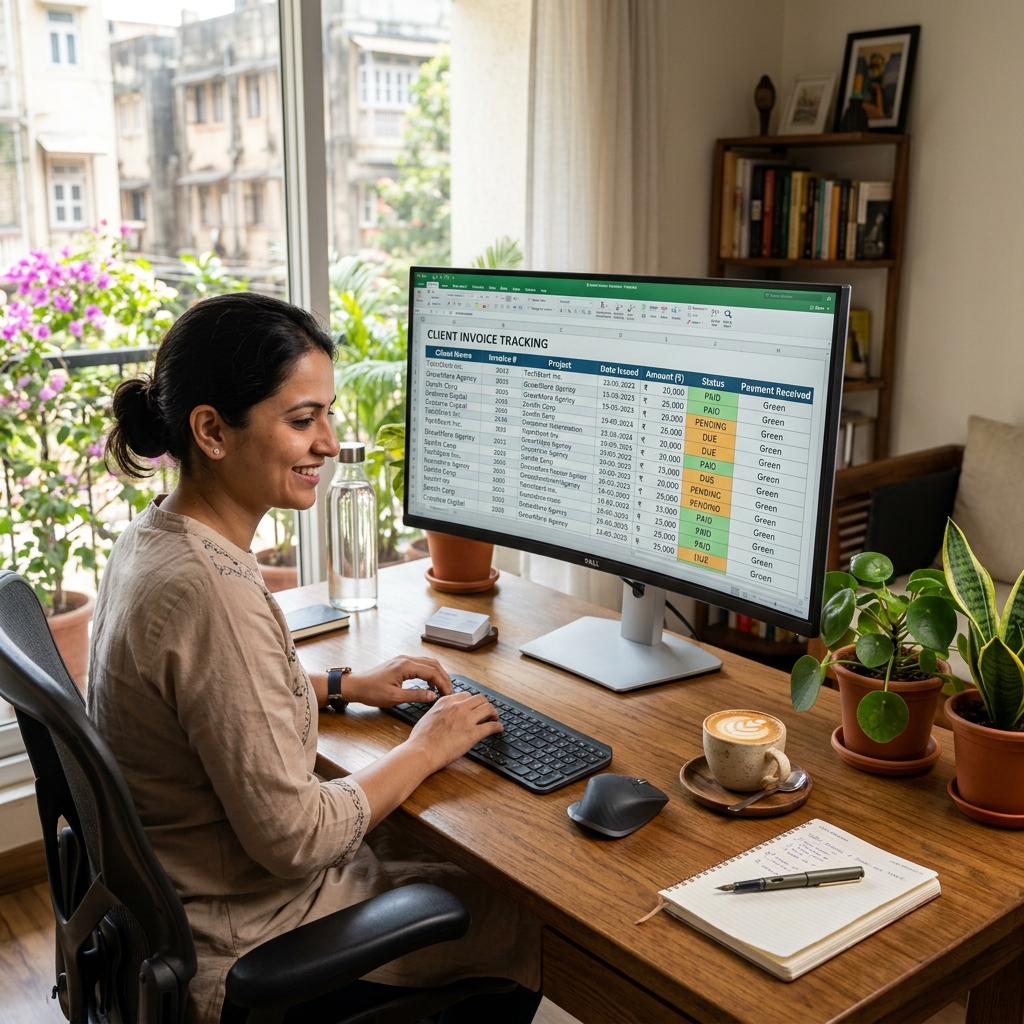
To bill multiple clients cleanly, use one sequential invoice series, save a reusable template per client, and keep a simple paid/unpaid register. Each invoice still needs a unique number, your PAN (and GSTIN if registered), the client's details, the work description, and the amount. Get that system right and you can raise a correct invoice for any client in under two minutes.
Quick answer: staying organised across clients
- Use one numbering scheme — a single running series or a per-client prefix, never random numbers
- Keep a saved template for each client (name, address, GSTIN, currency, rate)
- Track every invoice in a register: number, client, amount, due date, status
- Charge GST only if registered (above ₹20 lakh turnover); foreign clients are zero-rated exports
- Reconcile Paid vs Unpaid monthly against your bank statement
- Store every invoice for at least 6 years for GST and income-tax records
Mandatory fields on a freelancer invoice (and why each matters)
| Field | Example | Why it matters |
|---|---|---|
| Your name / business name | Neha Kapoor (Kapoor Design Studio) | Identifies the supplier of the service |
| Your address & contact | 41 Sector 29, Gurugram, Haryana 122001 | Establishes place of supply for GST |
| PAN | AAHCG2233U | Required for TDS; clients deduct TDS against your PAN |
| GSTIN (if registered) | 06AAHCG2233U1Z0 | Lets the client claim input tax credit |
| Unique invoice number | INV-2026-014 | Must be unique and sequential within the year |
| Invoice & due date | 01 Jun 2026 · due 15 Jun 2026 | Sets the payment clock and the tax period |
| Client name, address, GSTIN | Acme Tech Pvt Ltd, Mumbai · 27AABCS1429B1Z9 | Identifies the recipient and place of supply |
| Description of work | Logo + brand kit (May 2026) | Defines exactly what is being billed |
| Amount & GST | ₹40,000 + 18% GST | The taxable value and tax actually charged |
| Bank / UPI details | A/c 5012… · UPI neha@upi | So the client can actually pay you |
Sample freelancer invoice (filled example)
Kapoor Design Studio (Neha Kapoor) 41 Sector 29, Gurugram, Haryana 122001 PAN: AAHCG2233U · GSTIN: 06AAHCG2233U1Z0 Invoice: INV-2026-014 · Date: 01 Jun 2026 · Due: 15 Jun 2026 Bill to: Acme Tech Pvt Ltd, 5th Floor, BKC, Mumbai 400051 · GSTIN: 27AABCS1429B1Z9
| Description | Qty | Rate (₹) | Amount (₹) |
|---|---|---|---|
| Logo design (3 concepts + revisions) | 1 | 25,000.00 | 25,000.00 |
| Brand style guide (PDF) | 1 | 15,000.00 | 15,000.00 |
| Subtotal | 40,000.00 | ||
| IGST @ 18% | 7,200.00 | ||
| Grand Total | 47,200.00 |
Note: IGST applies because supplier (Haryana) and client (Maharashtra) are in different states. For a same-state client, this would split into CGST 9% + SGST 9%.
Payment: UPI neha@upi · Net 14 days · Thank you!
Numbering schemes that scale
The law is simple: every tax invoice must carry a number that is unique and sequential, contains only letters, numbers, "/" or "-", and resets each financial year (see Rule 46 of the CGST Rules(opens in new tab)). With many clients you have two clean options:
- Single running series —
INV-2026-001,INV-2026-002… across all clients in order of issue. Easiest to keep gap-free and audit-friendly. - Per-client prefix —
ACME-001,ZEN-001,ZEN-002. Easier to eyeball which client an invoice belongs to, but you must keep each prefix's series gap-free on its own.
Pick one and stick to it for the whole year. Never restart numbering mid-year, never reuse a number, and never leave a gap you cannot explain — gaps and duplicates are the first things a GST officer flags in your GSTR-1 filing. When the financial year closes, run through a quick financial year-end billing checklist before you reset the series for the new year.
GST and tax rules for freelancers (FY 2025–26)
- Registration threshold: GST registration is mandatory once your turnover crosses ₹20 lakh in a financial year (₹10 lakh in special-category states). Below that, you can issue a simple invoice or a bill of supply for an unregistered business without charging GST. Thresholds per the CBIC GST portal(opens in new tab).
- Service GST rate: Most freelance services (design, writing, development, consulting) attract 18% GST. For a same-state client it splits as 9% CGST + 9% SGST; for a different-state client it is 18% IGST. If you are unsure how the split lands, our walkthrough on how to calculate GST on an invoice shows the arithmetic line by line.
- Export of services: Billing a foreign client is treated as a zero-rated export — you do not charge Indian GST, but you should mark the invoice "Export of service" and keep a FIRC/FIRA from your bank as proof. Confirm the conditions on the income-tax portal(opens in new tab) and CBIC.
- TDS: Indian business clients often deduct TDS at 10% (Section 194J, professional services) against your PAN. It is not a deduction from your fee in real terms — you reclaim it when you file your ITR, so always quote your PAN.
Legitimate vs not. Raising an invoice only for work you actually delivered is correct record-keeping. Creating invoices for work that never happened — to inflate turnover, claim fake input credit, or launder funds — is fraud under the GST and Income-tax Acts. Keep your register honest; it is your best protection in an audit.
Create a multi-client invoice in 2 minutes
You do not need accounting software to bill several clients. Using the bill & invoice generator:
- Pick the invoice template and enter your details once — name, address, PAN, GSTIN. They are saved for reuse.
- Add the client — name, address and GSTIN. Build a small library so each client is one click next time.
- Set the invoice number following your chosen scheme; the next number can carry on automatically.
- Add line items with rate and quantity; GST (CGST+SGST or IGST) is computed for you based on the state.
- Choose the currency — ₹ for Indian clients, USD/EUR for foreign clients, with export wording.
- Download a clean PDF to email or send on WhatsApp, and log it in your paid/unpaid register.
For the full field-by-field walkthrough, see our guide on how to issue a bill as a freelancer in India.
Online generator vs Word vs Excel/manual
| Online generator | MS Word | Excel / manual | |
|---|---|---|---|
| Reuse a saved profile per client | Yes One click per client | No Hunt for last file | Partial A tab per client |
| Auto-pick CGST/SGST vs IGST by client state | Yes State-aware | No You decide each time | Partial Needs a lookup formula |
| Keep one gap-free running number across clients | Yes Auto-increments | No Easy to skip or repeat | Partial Hope you didn't overwrite |
| Switch ₹ ↔ USD/EUR with export wording | Yes Per-invoice toggle | Partial Retype the template | Partial Manual conversion |
| See paid vs unpaid across every client at a glance | Yes Status dashboard | No No record kept | Partial A column you must maintain |
| Same clean layout for all 20 clients | Yes Consistent every time | Partial Drifts as you edit | No Looks like a spreadsheet |
| Minutes to raise the next invoice | ~2 min | 10–15 min | 5–10 min |
Common mistakes to avoid
- Mixing numbering schemes mid-year — duplicate or out-of-sequence numbers break your GSTR-1 trail.
- Forgetting your PAN — clients can't process TDS correctly, delaying your payment and your refund.
- Charging GST when you are not registered — collecting tax without a GSTIN is illegal; issue a bill of supply instead.
- Charging Indian GST on a foreign client — exports are zero-rated; adding 18% can cost you the deal and is incorrect.
- No paid/unpaid register — you lose track of overdue invoices and chase the wrong clients. Reconcile monthly.
- Vague work descriptions — "services rendered" invites disputes; spell out the deliverable and the period.
Sources & references
- CBIC GST Portal(opens in new tab) — tax invoice rules (Rule 46), GST rates, registration thresholds
- Income Tax Department(opens in new tab) — TDS on professional fees, export-of-service treatment
- GST Council(opens in new tab) — rate and threshold notifications
Juggling several clients this month? Create a client invoice free → — save each client once, raise the next bill in two minutes.